Table of Contents
Android SVG Notes
Android can use SVG files and possibly converts them to XML. I had encountered a problem with a simple vector graphic that had a combination of shapes combined having cutouts.
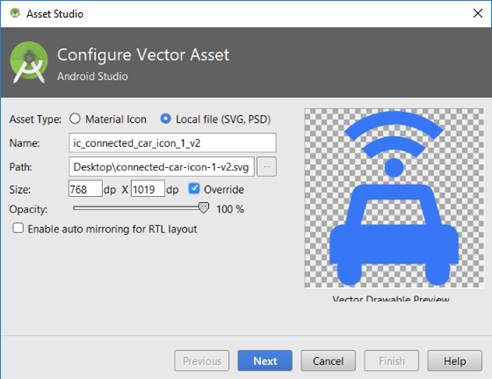
Android Vector Asset Studio assist software was showing part of the “cut out” areas as filled in, but another cut out was showing properly. The shape wasn't extraordinarily complex.
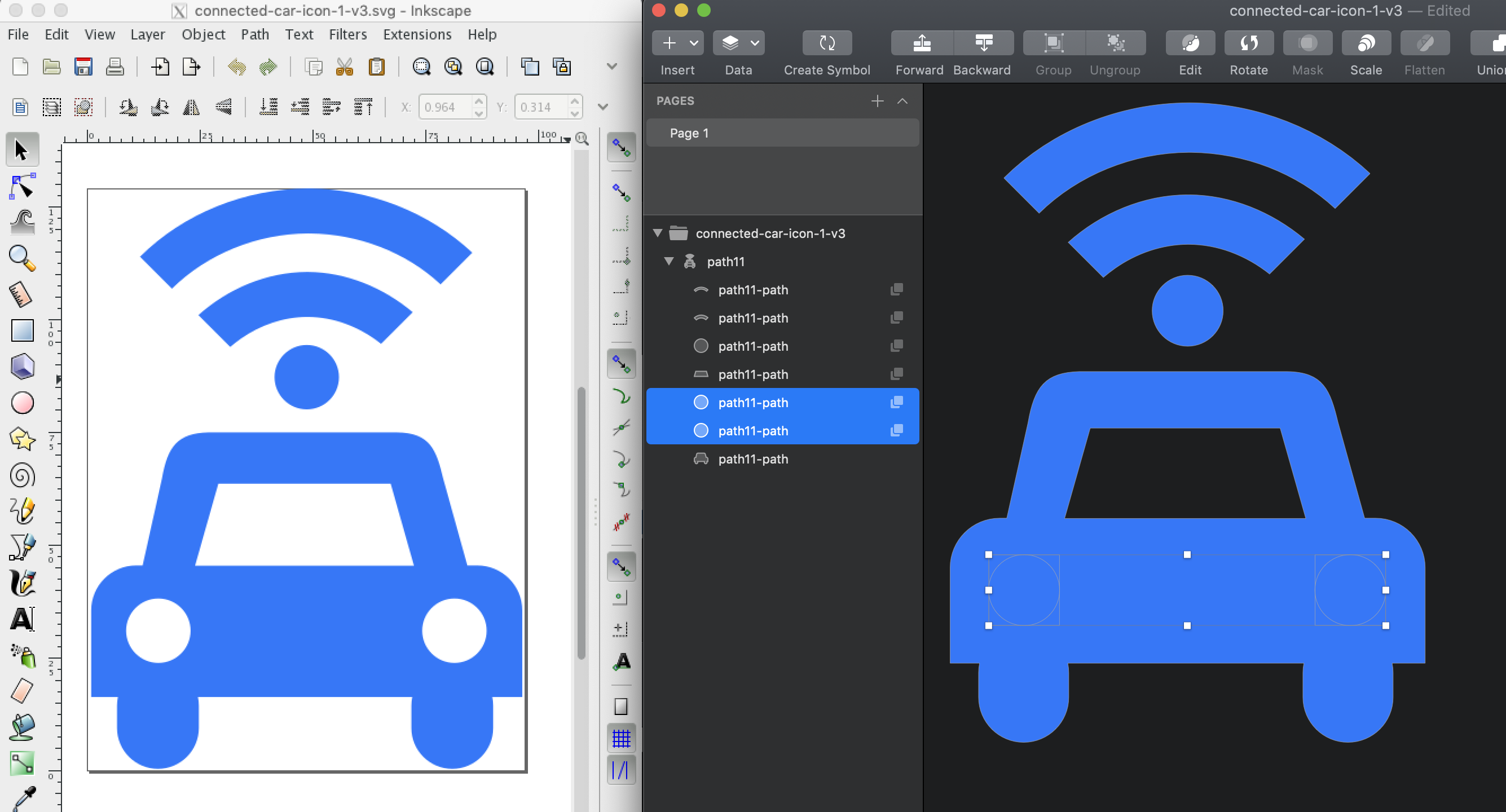
Opening the file in Inkscape, Sketch and Affinity designer the graphic pretty much behaved the same. I noticed the browser preview changed once I removed some of the grouping inside sketch and an empty shape, which was probably just a residual container.
Vector Asset Studio
Android Vector Asset Studio allows you to preview svg files. So presumably if the problem shows up there it will show in the app you're putting it in.
Fixed but no cause for celebration
Regarding that problem graphic. So I brought my version 2 SVG into sketch and I deleted a couple of the group folders. Sketch grouping as you know makes folders. Well I just deleted a blank rectangle and a folder.
Here's where it gets annoying. After removing those, the graphic looked the same, I exported a version 3 SVG from sketch.
So Jose said that one worked. Which you'd think would be cause to celebrate BUT re-opening the SVG back in sketch this time SKETCH actually shows the cut outs as filled shapes now instead of them being cut out.
Web preview is fine. But there's no way to really know what happened here and in my view the file is worse.
I guess there's nothing more to be done but it's very irritating.